How do AI image generators work?
Type a sentence, get a picture in seconds. Here is what happens in between, why the results used to have seven fingers, how to tell an image came from AI, and how to get better pictures yourself.
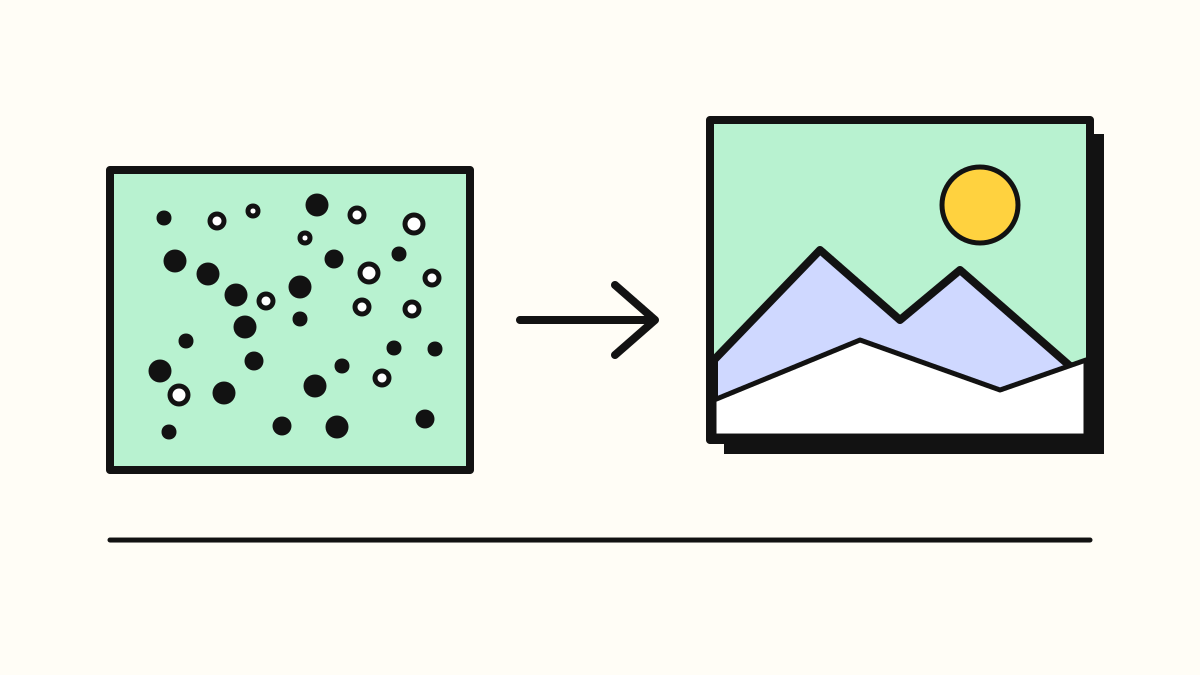
AI image generators learn from billions of pictures paired with captions. Most then make a new image by starting from random static and removing it step by step, steering each step towards your description. Newer tools built into chatbots such as ChatGPT and Gemini pair this with a language model, so they follow long instructions and write text in images far better than older tools, but they still make mistakes and their output is often invisibly labelled as AI-made.
An AI image generator does not search for a picture and does not paste bits of photos together. It paints a new image from scratch, usually by starting with random static and cleaning it up, step by step, until what is left matches your words.
That trick only works because of what the system learned beforehand, so that is where to start.
What does an image generator learn from?
Like a chatbot, an image generator is a kind of generative AI: a model that has learned patterns from huge amounts of examples so it can produce new things in the same style. For images, the examples are pictures paired with a few words describing them.
The scale is hard to picture. One public collection, LAION-5B, published in 2022, contains 5.85 billion image and caption pairs. Its creators built it by going through a public archive of web pages and pulling out every image that came with "alt text", the short description websites add for screen readers. Stability AI said its first Stable Diffusion model was trained on a subset of that collection, filtered for images people rated as attractive. The big companies rarely say exactly what their own training data contains.
From all those pairs, the system learns which words go with which shapes, colours and textures: that "beach" tends to mean sand and a horizon, that "watercolour" means soft edges and bleeding colour. It does not store the pictures like an album. It learns the patterns.
How does it turn noise into a picture?
Most image generators since 2022 use a method called diffusion. The idea is easiest to grasp backwards.
During training, the system takes a real image and adds a little random noise, like static on an old TV. Then a little more, and more again, until nothing is left but static. Jascha Sohl-Dickstein, who first proposed the approach in 2015, told Quanta Magazine that the process "very slowly turns your data distribution into just a big noise ball." He compared it to a drop of ink spreading through water.
A neural network is then trained on the reverse job: look at a noisy image and guess what the slightly cleaner version looked like. As IBM's explainer puts it, turning a noisy image into "a slightly less noisy image is relatively easy", so the network learns the whole journey one small step at a time. A 2020 paper by Jonathan Ho, Ajay Jain and Pieter Abbeel showed it could produce high-quality images, and it became the basis for today's tools.
When you type a prompt, the generator starts with a fresh square of pure static. It removes a bit of noise, then a bit more, and keeps going until a picture appears. At each step your words nudge the guess: "this blur should become a cat, on a windowsill, in watercolour." Because every run starts from different random static, the same prompt gives you a different picture each time.
To save time and computing power, many tools do this on a compressed, shrunken version of the image and only blow it up to full size at the end. That is what let Stable Diffusion, released free to the public in August 2022, run on a home computer's graphics card, according to Stability AI.
What is different about the image tools in ChatGPT and Gemini?
The newest generators lean much more heavily on a large language model, the same kind of system that powers chatbots (see how chatbots work).
When OpenAI moved image creation into GPT-4o in March 2025, it described the system as "natively multimodal", trained on images and text together so it learns the links between words and visuals. Google says its Nano Banana image models pull from "the Gemini model's real-world knowledge base" and can search the web for up-to-date information. Black Forest Labs, which makes the FLUX models, says its FLUX.2 model pairs a language model that supplies "world knowledge and context" with an image engine that handles layout and composition. The companies give few further details about how these systems work inside.
For you, this changes three things:
- You can talk to it. You can ask for an edit ("make the sky darker, keep everything else") in a conversation, rather than starting again.
- It follows longer instructions. OpenAI said GPT-4o could keep 10 to 20 separate objects in a scene straight, where earlier systems struggled with 5 to 8.
- It can think and look things up first. OpenAI's Images 2.0 added what it calls "visual reasoning", and Google's models can use web search, which helps with diagrams and infographics.
Why do they get hands, text and counting wrong?
For years, the easy giveaway of an AI picture was a hand with six fingers or a shop sign in gibberish. Seyedali Mirjalili, a professor at Torrens University Australia, explained why in The Conversation in 2023.
Hands appear in training photos at every angle, often small, half hidden or holding something, so the model never builds a firm idea of "five fingers". Text is worse: "As far as text-to-image models are concerned, text symbols are just combinations of lines and shapes." The model does not know it is spelling. Counting fails because "AI models lack a clear understanding of quantities": ask for four apples, and it draws on pictures with all sorts of numbers of apples.
These problems have shrunk a lot. Hyperallergic reported in March 2023 that Midjourney's version 5 could "finally depict human-like hands with a full set of five fingers", though not every time. Since then, OpenAI and Google have both made legible text a headline feature: Google says Nano Banana 2 can produce "accurate, legible text" for things like greeting cards, and OpenAI says Images 2.0 handles many languages and scripts.
Mistakes still happen. When OpenAI launched GPT-4o images, it listed known weak spots including small, dense text, precise graphs and accurate editing. Like a chatbot's hallucinations, an image can look confident and still be wrong: a map with invented towns, a diagram with a mislabelled part. Check anything that has to be accurate.
Which tools are people using now?
As of October 2026, these are the best known. Names and versions change every few months.
- ChatGPT. OpenAI released ChatGPT Images 2.5 on 8 September 2026, promising sharper detail, more precise edits and generation up to 50% faster than Images 2.0. OpenAI says it is rolling out "across all tiers".
- Google Gemini. Nano Banana 2 became the main image model in the Gemini app in February 2026 and also powers image tools in Google Search. Google released an updated Nano Banana 2.1 to developers on 6 October 2026, according to its developer documentation and a report by Let's Data Science.
- Midjourney. An independent image service. Its documentation says version 8.2 became the default on 24 July 2026.
- Adobe Firefly. Adobe's image generator. Adobe said in March 2026 that its Firefly Image Model 5 was generally available, alongside more than 30 models from other companies, including Google's Nano Banana 2.
- FLUX. Black Forest Labs released FLUX 3 Image on 1 October 2026 and a smaller version, FLUX 3 Image Klein, on 15 October. Klein is an open-weights model: anyone can download it and run it on their own computer.
How can you tell an image was made by AI?
Often you can't by looking. But many tools now attach labels you can check.
Content Credentials. An industry standard called C2PA, backed by more than 500 companies, adds a signed record to the file saying how it was made. Some sites show it as a small "CR" pin that you can click to see the image's history. OpenAI says it adds C2PA data to images from ChatGPT, and Google says it pairs C2PA with its own watermark for Nano Banana images.
Invisible watermarks. Google's SynthID hides a mark in the pixels themselves that people cannot see but software can, designed to survive cropping, filters and compression, according to Google. You can upload an image to the Gemini app and ask whether Google AI made it. OpenAI says it also uses "invisible watermarking".
The law in the EU. Since 2 August 2026, the AI Act requires companies that offer AI generators to mark their output in a "machine-readable format", so software can detect it. Tools already on sale before that date have until 2 December 2026, according to the law firm Garrigues. Anyone who publishes a deepfake of real people or places must say it was "artificially generated or manipulated".
None of this catches everything, and a missing label proves nothing. Our guide to spotting AI-generated content has the practical checks.
What are the main risks?
Bias. A model repeats the patterns in its training data, including the unfair ones. When Bloomberg analysed 5,100 images from Stable Diffusion in 2023, it found women in only about 3% of images for "judge", while women are 34% of US judges, and people with darker skin heavily overrepresented in low-paid jobs. If you ask for "a doctor" or "a CEO", look at who you get.
Deepfakes. Realistic images of real people can be used for scams, harassment and fake news. OpenAI says ChatGPT checks prompts and images "to help prevent harmful outputs", but downloadable models run by individuals have no such gatekeeper.
Copyright. Many artists object to their work being used for training without permission, and in the US and much of Europe an image made purely by AI from your prompt is not protected by copyright. Read who owns AI-generated content before you use AI images commercially.
How do I get better images?
Google's own prompting tips for its image model are a good checklist, and they work for most tools.
- Say who or what is in it. "A ginger cat" beats "a cat". Google's advice: "Be specific."
- Set the scene. Where it happens, what is going on, and the time of day.
- Frame the shot. Close-up or wide, and the shape you need: a tall phone wallpaper or a wide banner.
- Name a style. Photo, watercolour, flat cartoon, 1970s poster. For photos, describe the light, as Google puts it: "Direct the shot like a cinematographer."
- Spell out any text. Put the exact words in quotation marks and say where they go. Keep it short.
- Edit instead of restarting. With ChatGPT or Gemini, ask for one change at a time and say what to keep.
- Say what each reference image is for. If you upload photos, explain whether each one supplies the pose, the style or the background.
- Check before you share. Count the fingers, read every word, and make sure you are not passing off a made-up scene as real.
Sources
- LAION: LAION-5B, a new era of open large-scale multi-modal datasets
- Stability AI: Stable Diffusion launch announcement
- PetaPixel: Open source AI image generator Stable Diffusion released to the public
- Quanta Magazine: The physics principle that inspired modern AI art
- IBM: What are diffusion models?
- Ho, Jain and Abbeel: Denoising Diffusion Probabilistic Models (arXiv, 2020)
- OpenAI: Introducing 4o image generation
- OpenAI: Introducing ChatGPT Images 2.0
- OpenAI: Introducing ChatGPT Images 2.5
- Google: Nano Banana 2, Google's latest AI image generation model
- Google AI for Developers: Gemini Nano Banana 2.1
- Let's Data Science: Google releases Nano Banana 2.1 image model
- Google DeepMind: Nano Banana (Gemini image, Flash)
- Black Forest Labs: FLUX.2, frontier visual intelligence
- Black Forest Labs: Release notes
- Midjourney Docs: Model versions
- Adobe Blog: Adobe Firefly expands video and image creation with new AI capabilities and custom models
- The Conversation (via AIhub): If AI image generators are so smart, why do they struggle to write and count?
- Hyperallergic: AI image generators finally figured out hands
- Content Credentials (C2PA): Content Credentials
- Google DeepMind: SynthID
- EU Artificial Intelligence Act: Article 50, transparency obligations
- Garrigues: The AI Digital Omnibus regulation has been published, redefining deadlines
- Bloomberg: Humans are biased. Generative AI is even worse
- Google: 7 tips to get the most out of Nano Banana Pro